
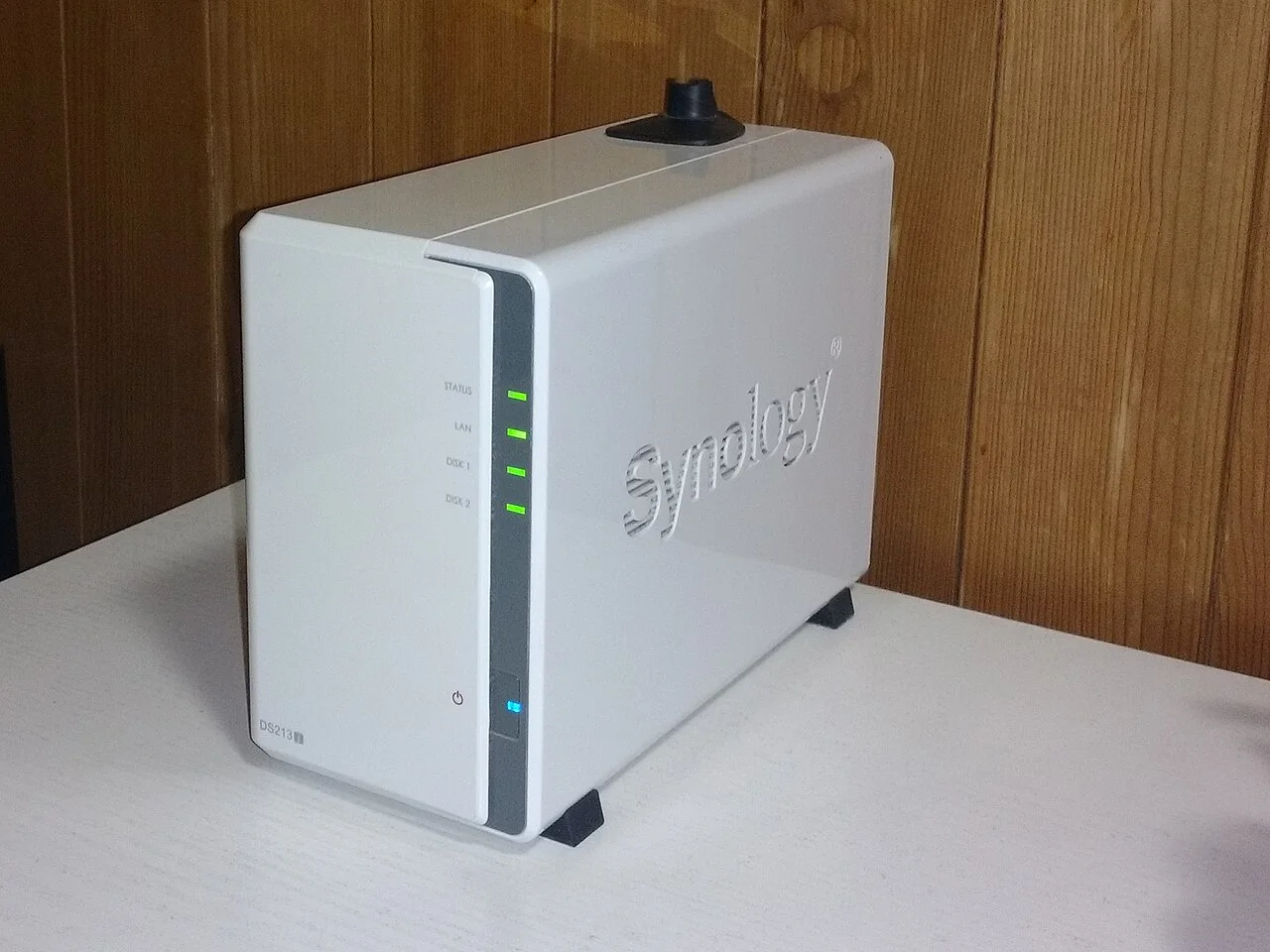
Synology is urging owners of its network-attached storage devices to update DiskStation Manager after identifying ransomware attacks against outdated systems. For households and small businesses that keep shared files or backups on a NAS, the first check is the complete DSM version and build number, followed by the update available for that particular model.
The company's October 29 warning says attackers exploited a vulnerability patched in December 2024 to encrypt data and demand payment. It points to an older security advisory. Separately, researchers have connected attacks they investigated to flaws patched this September. Those accounts lead to different minimum patch levels, so meeting the older advisory's requirement does not establish that a device has received the newer fixes.
What the two accounts establish
Synology links its warning to advisory SA 24:20, which covers vulnerabilities including remote code execution and unauthorized file access. The advisory lists fixes for several DSM branches, including older releases.
In an October 29 forensic report, China's 360 researchers attribute the C3RB3R attacks they examined to CVE-2026-13639 and CVE-2026-13684. Synology addressed those vulnerabilities in SA 26:13, published September 18. The advisory describes unauthenticated remote access that can permit arbitrary file reads and writes and denial of service.
IT-Connect's reporting also identifies the difference between the vendor's warning and the researchers' account. The reports do not establish that both describe the same entry route in the same incidents. They also do not demonstrate that fully patched devices were compromised.
Compare the full DSM build
These are the minimum fixed releases specified for four branches in the two advisories. They are not a list of the latest available DSM releases.
| DSM branch | SA 24:20 minimum fixed release | SA 26:13 minimum fixed release |
|---|---|---|
| 7.4 | Not listed | 7.4-90075 |
| 7.3 | Not listed | 7.3.2-86009-4 |
| 7.2.2 | 7.2.2-72806-1 | 7.2.2-72806-9 |
| 7.2.1 | 7.2.1-69057-6 | 7.2.1-69057-12 |
"Not listed" means that branch does not appear in the older advisory's table; it is not a statement that the branch is unaffected by every vulnerability. SA 24:20 also lists fixes for DSM 7.2, 7.1 and 6.2. Owners of older hardware need to check their model's supported update path instead of assuming it can run DSM 7.4.
For example, 7.2.2-72806-1 meets the older advisory's stated minimum but falls below September's 7.2.2-72806-9 requirement. A matching major version alone is insufficient to compare the installed software with a security advisory.
Check and update the software your model supports
In DSM, open Control Panel, then Update & Restore, then DSM Update. Synology's version-check instructions identify this screen as the place to find the current DSM version. Record the full version, including the build and update number, before comparing it with the advisory.
Check the update offered there and the model-specific Download Center guidance. Synology's older-version upgrade instructions say some systems need intermediate releases installed in sequence. A manual installation file must match the NAS model and the prescribed upgrade path. Do not select a file merely because its version number is higher.
Back up important data before upgrading and allow for a restart and interrupted service. Synology's DSM update guidance recommends automatic installation of important security updates. Automatic updates within a DSM branch should not be confused with an automatic move to a new major version. Keep checking what the device actually installed.
Protect a recovery copy

Updating addresses the software vulnerabilities; backup protection covers the separate problem of recovering files if encryption has already occurred. A backup that remains writable from a compromised system can be exposed along with the working files.
Synology's ransomware-prevention guidance recommends offline backups and checking that files can be restored. It also advises against unnecessary internet exposure of DSM and points to a VPN for remote access. Review exposed administration access when installing the update.
The 360 researchers observed encrypted files with a .L0CK3D extension and a ransom note named read-me3.txt. Those are indicators from their investigation, not a complete test for every compromised NAS. Their advice when suspicious bulk file changes appear is to disconnect the device from the network for security inspection. Keep an offline recovery copy disconnected from the NAS, and verify that its files can be restored.