
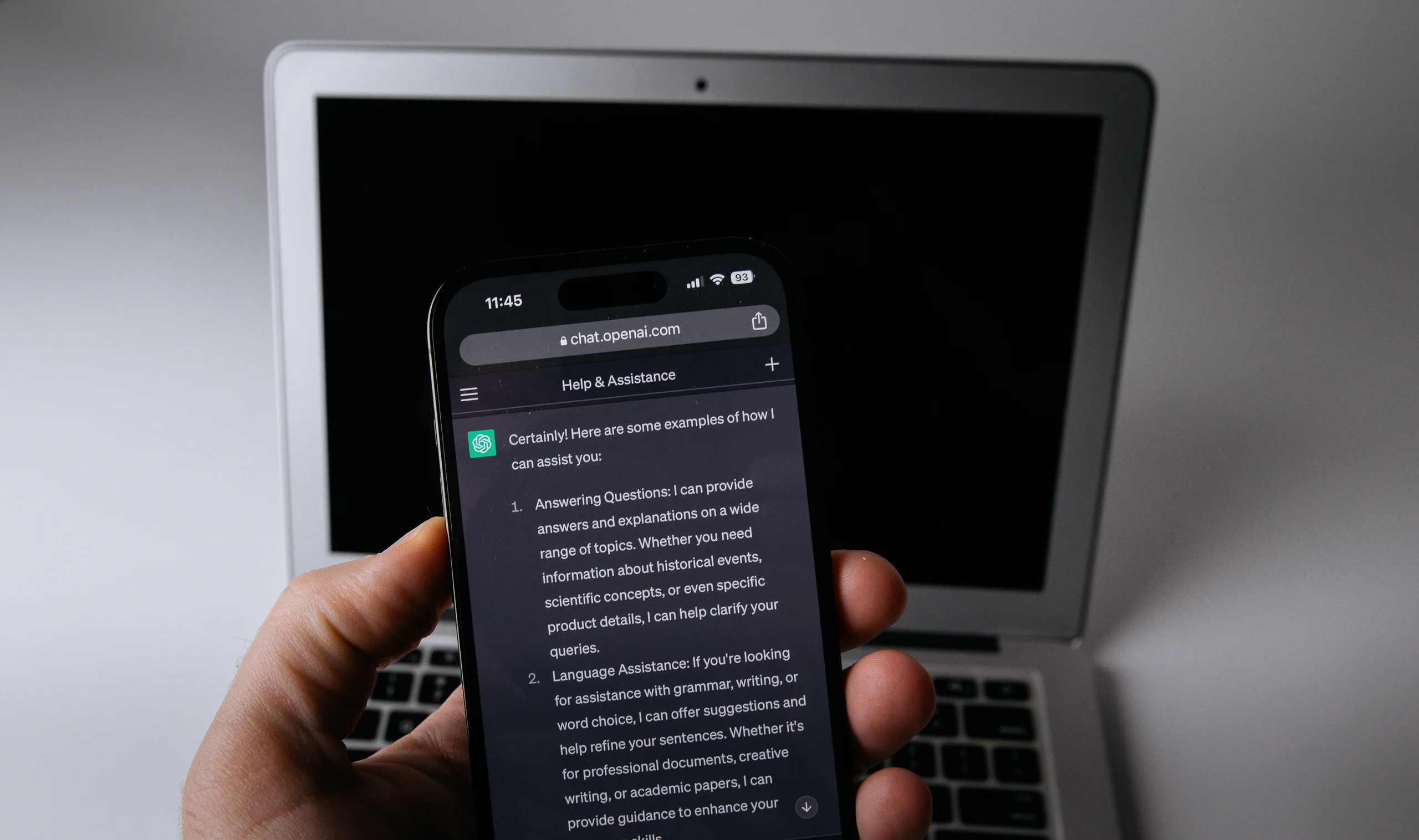
OpenAI began rolling out ChatGPT Wallet on Friday to U.S. Pro subscribers. It lets a personal ChatGPT agent, called a dot, finish an online purchase after the shopper approves it. The agent can submit the payment, but the store still sells and ships the item, and the card issuer still handles billing disputes.
The launch announcement describes a limited rollout. Here's what eligible shoppers can do now, what happens after they approve a purchase, and where to go if a charge or order looks wrong.
Who can use ChatGPT Wallet
OpenAI says the first users must be at least 18, have a personal dot on a U.S. ChatGPT Pro account and use an eligible U.S.-issued card with a U.S. billing address. The Wallet help page lists eligible American Express, Chase, Mastercard and Visa cards. Some cards won't work. Chase requires the primary cardholder to approve the connection in its mobile app, and Wallet doesn't accept virtual cards at launch.
Card enrollment is separate from a purchase. Eligible users can start in Wallet settings or ask their dot to help add a card. They enter the number, expiration date and security code in the secure form. The issuer may require a separate verification before the card is ready. ChatGPT manages subscription payments, gift cards and prepaid balances separately. The Wallet feature is available in conversations with a dot. Ordinary ChatGPT chats, Work threads and standalone Codex threads cannot use it.
What you approve at checkout

The purchase request shows the merchant, items, total and selected card. Check the shipping details and any recurring charges listed on the request before approving it. OpenAI requires a biometric check for each purchase at launch. If the device you're using can't complete the check, OpenAI says you can follow the request on a supported device signed in to the same ChatGPT account.
The agent then submits a substitute card number linked to the card you chose. The store may still need your name, delivery address or other contact details. OpenAI's Wallet privacy notice describes what it collects during enrollment and checkout. A receipt may show different card digits from the ones on your physical card because the merchant received the substitute number.
Approval lets the agent proceed. Wait for the merchant's order confirmation before treating the order as placed. OpenAI says checkout may fail at some stores even with an eligible card. OpenAI says it expects to let users preapprove future purchases within limits they set. If a material detail changes before the agent submits the order, OpenAI’s terms say Wallet will request fresh approval. OpenAI's demo shows the approval prompt.
Who to contact about a charge or return
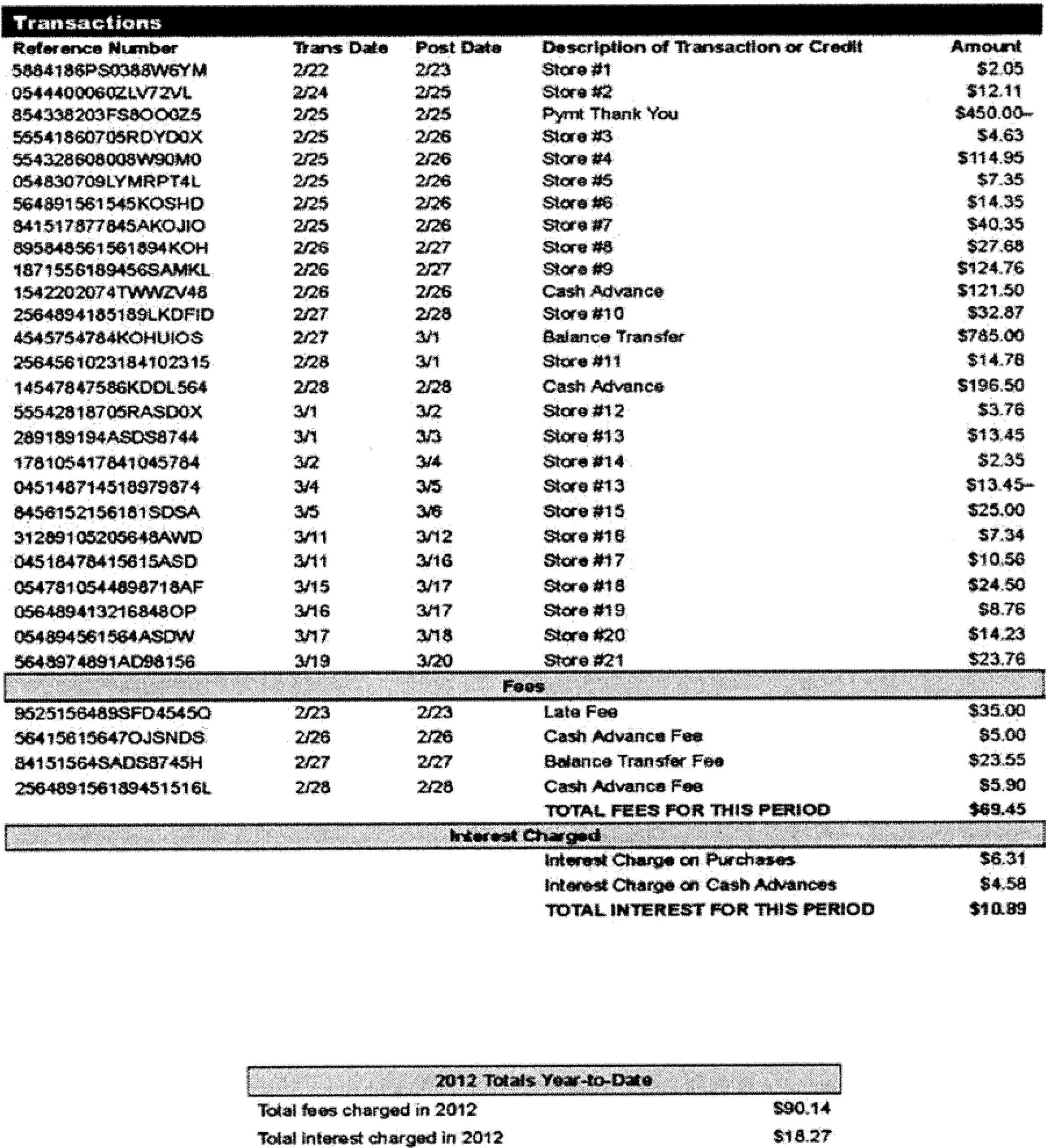
If the agent reports a checkout error and your issuer shows a pending charge, check the merchant's order history or ask the merchant whether it received the order before trying again. The issuer can explain the pending charge or tell you when it expects a hold to clear. If you don't recognize a charge, contact the issuer promptly using its official app or the number on your card.
For a recognized purchase, ask the merchant about delivery, returns, refunds or cancellations. The store's own policies apply. If the purchase differs from what you approved, or if the Wallet approval screen stops working, OpenAI directs shoppers to its support team. Keep the merchant receipt and the order reference handy so you can identify the transaction without sharing your full card number.
Removing a card from Wallet stops new Wallet purchases on that card. It won't cancel an order you've already made. Under the Wallet terms, a store can keep charging for an ongoing payment plan you agreed to at checkout. Cancel that plan with the merchant and keep its confirmation.