A single hidden text message can crash the phone service on many Android phones and drop any call in progress, including emergency calls, according to a security researcher who published a working attack tool this week. Google has written a fix, which the researcher says reached phones running Android 14 or newer through the October 2026 security update. Phones still on Android 12 or 13 did not get it.
How the attack works
The researcher, who goes by Mark B, reported the flaw to Google on May 5 and published a full write-up on Oct. 29 under the name "SMS of Death." The attack sends an 8-byte data message in a format called WAP Push. Android's phone software misreads a length field in that message and crashes, so the phone loses cell service for a second or two and any active call ends.
The victim doesn't have to tap or open anything. The message never appears in the Messages app, the sender's number is never shown, and the attacker needs only the target's phone number.
Carriers resend messages that a phone never acknowledges, and Android retries stored messages at every startup, so in the researcher's testing one message caused on-and-off outages for up to a week. About 20 messages made a phone unusable for an extended period. On one Android 12 phone, the crashes put the device into a reboot loop that sent it to its recovery screen roughly every 90 seconds.
The researcher says the attack worked on every phone tested, including a Pixel 9 on April 2026 software and several Samsung Galaxy models, and has posted the attack app's source code on GitHub.
Which phones are exposed
Google's fix is in Android's public source code as a change titled "Fix remote DoS in decodeWapPdu," written by an Android engineer in June. It makes the phone discard a malformed message instead of crashing, then deletes it so it cannot set off more crashes. The researcher says the change shipped in the October 2026 security update for Android 14 through 17. Google's October security bulletin, published Oct. 5, does not list the bug.
That leaves two groups at risk: phones on Android 14 or newer that have not installed the October update, and phones on Android 12 or 13, which run the same code but did not get the fix.
How to check your phone
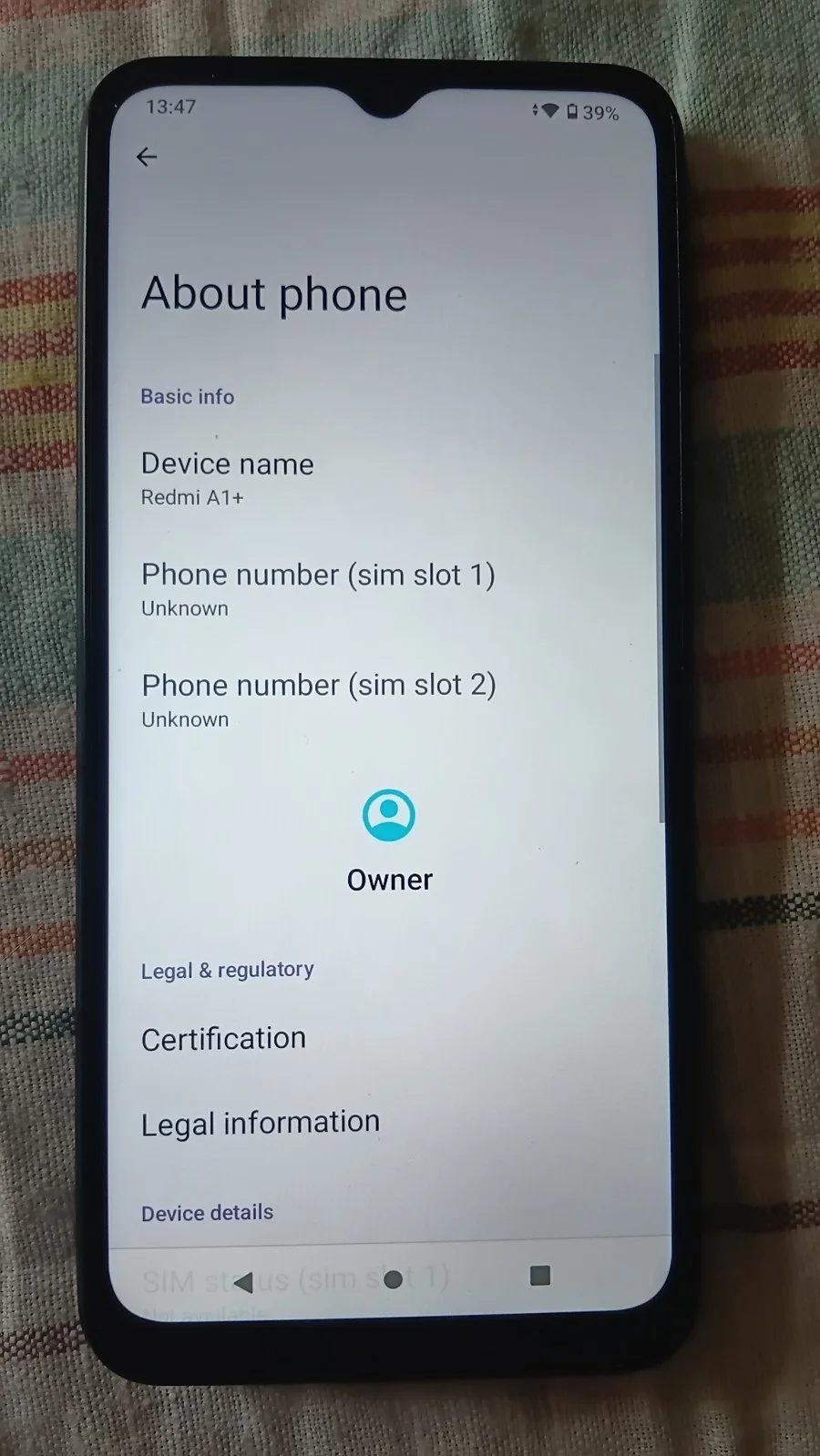
Google's help page gives the path. Open Settings, tap About phone, then Android version. Look at two lines:
- Android version: 14 or higher can receive the fix.
- Android security update: a date of Oct. 1, 2026, or later means the fix is installed, according to the researcher.
To install a waiting update, open Settings, tap System, then Software updates. On Pixel phones, an installed update takes effect after a restart.
Google's help page says the latest security update requires the latest Android version your device can run, so check whether a newer version is offered. A phone that cannot move past Android 12 or 13 will not get this fix, according to the researcher.
If your phone keeps crashing
Most people have no easy way out of the reboot loop. The write-up describes a fix that deletes the stored messages over USB with Android's developer tools, which needs a computer and some technical skill. The researcher also warns against choosing "wipe data" at the recovery prompt, which erases the phone.